The image resizing feature is a custom feature that **requires setup and integration**. Please [contact Support](http://support.adhese.com/) if you would like to use it.
As the image resizer uses an external service, enabling this feature may incur **additional costs** depending on your licensing agreement with Adhese. Please contact us if you are unsure.
### Why use image resizing? Using resized images improves responsive design and reduces bandwidth usage. Setting a viewport threshold ensures that smaller images are served to smaller displays, thereby reducing file sizes and bandwidth consumption. This is particularly beneficial for mobile-based implementations. ### How to use image resizing? By adding an extra parameter `.width.{px}` to the image URL, you can request a resized version with a specific width. The height will scale automatically to maintain the aspect ratio. The logic to add the extra '**width**' value could be added to an Advar template in Adhese itself or to the code that processes the ad markup client-side. For example: ``` https://demo-preview.adhese.org/pool/lib/8_2nd_1.png https://demo-preview.adhese.org/pool/lib/8_2nd_1.png.width.150 ``` [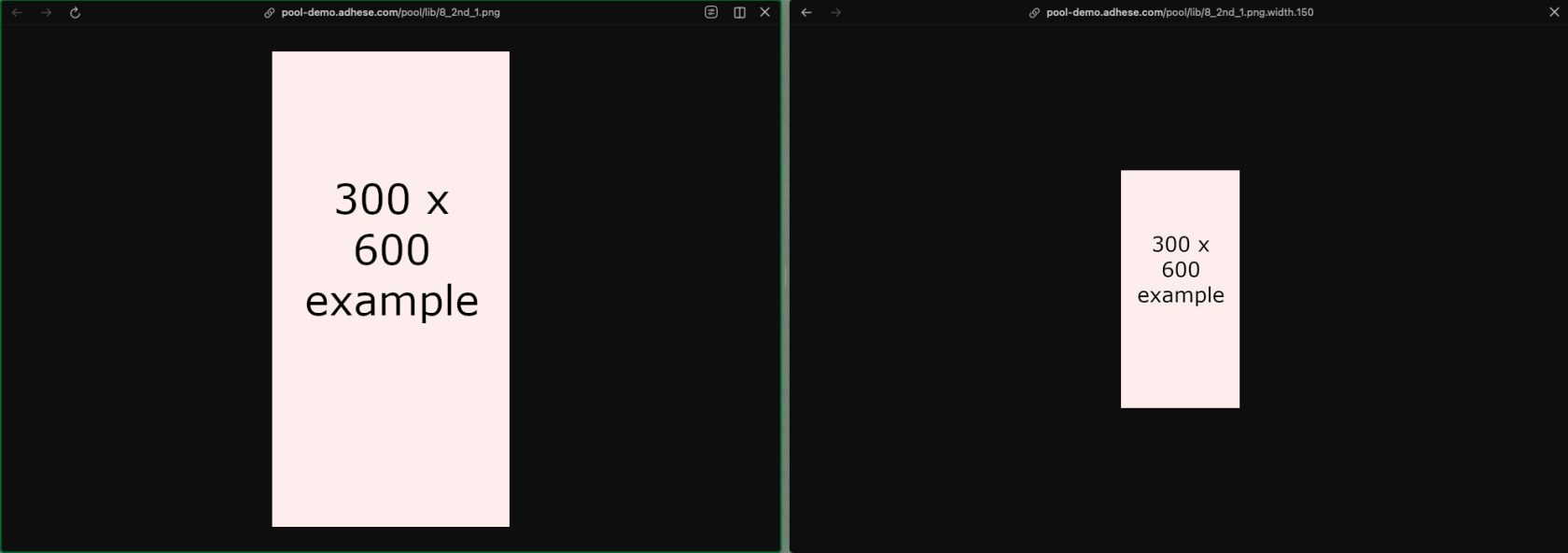](https://documentation.adhese.org/uploads/images/gallery/2026-04/p6eO44kuKkBdhqaK-image.png)