
Campaign API v1 documentation
API Usage
This page provides an overview of the API, as well as guidance on how to access it, how to authenticate and how to request support. It is intended as a point of reference for developers and users who need to integrate with the API.
Capabilities
-
Data retrieval – fetch structured data from the system.
-
Data submission – send and store data on the platform.
-
Schema definition – provides information on request/response objects, parameters, query strings, and headers.
-
Configuration access – interact with specific configurations and settings.
-
Monitoring & Diagnostics – review statuses, logs, and operational information.
-
“Try It Out” feature – execute real API requests directly from the UI.
For full details on all endpoints, see the Swagger UI.
Where to find endpoints
All available endpoints are documented in Swagger:
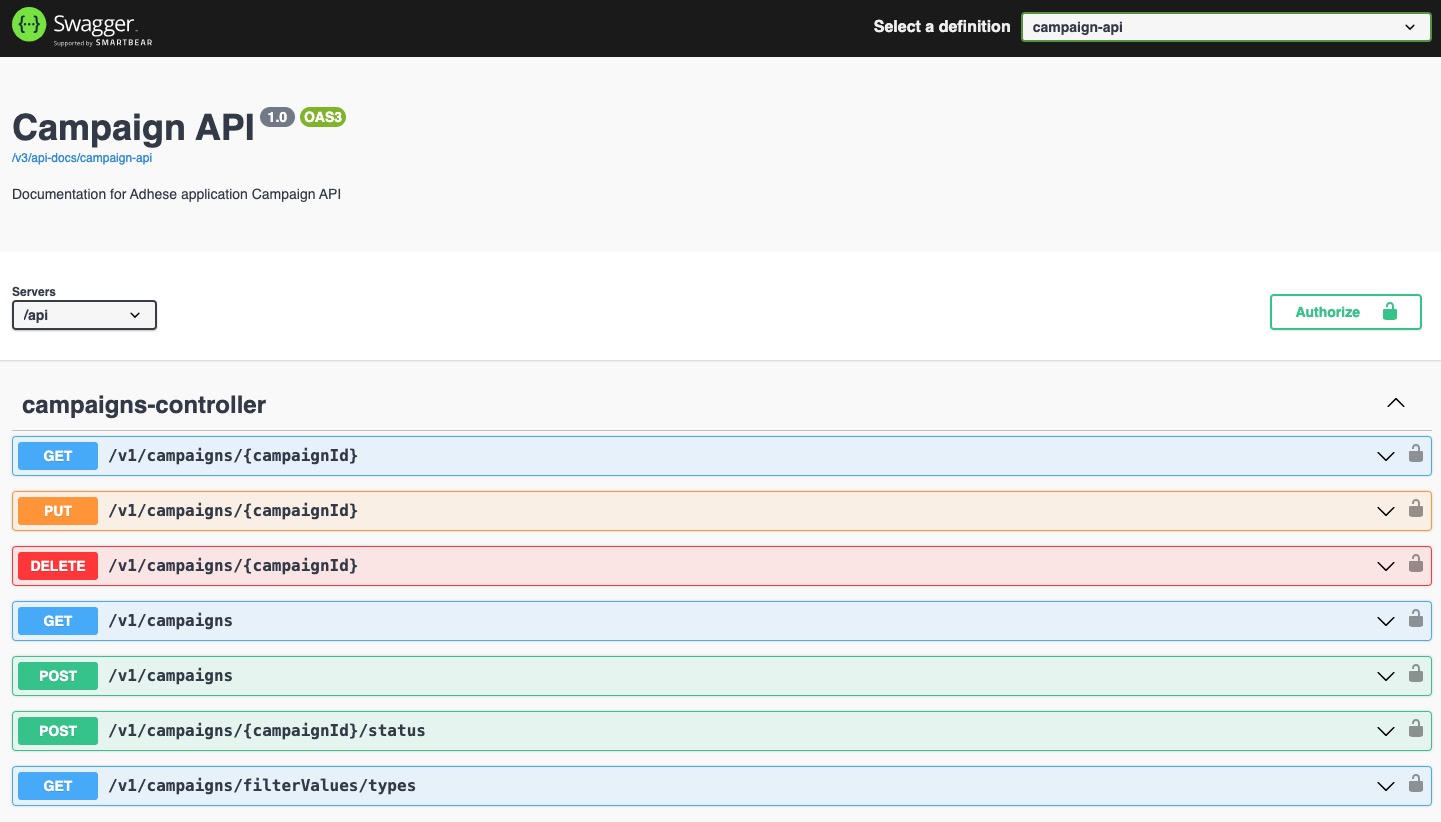
The Swagger UI allows you to:
-
Browse the list of endpoints.
-
Review request/response schemas.
-
Test endpoints directly in the browser.
Where to find Swagger
Swagger is publicly accessible under:
https://{customer-url}/swagger-ui/index.htmlTo access Swagger's interactive features, such as executing requests, please contact Support.
OpenAPI Specification
In addition to the interactive Swagger UI, the raw OpenAPI v3 specification can be retrieved in human-readable format (JSON).
-
URL:
https://{customer-url}/api/v3/api-docs/campaign-api -
This file defines:
-
All endpoints, parameters, and request/response schemas
-
Authentication requirements
-
Metadata (titles, descriptions, tags)
-
-
Typical use cases:
-
Import into Postman to quickly generate a workspace.
-
Client SDK generation via tools like Swagger Codegen or OpenAPI Generator.
-
Validation & automation as part of CI/CD pipelines.
-
Sending a request with Keycloak authentication
-
Ensure the Use-Keycloak-Auth header is included and set to
true(default value)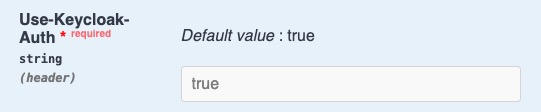
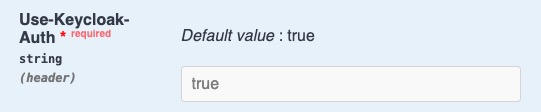
- optional field with api-version header should be left empty
Once ready, you can test the endpoints directly in Swagger (provided you have the necessary permissions).
No Comments