
Campaign API
Campaigns
Campaigns are a grouping of bookings and their associated creatives.
APICreate Usagea Campaign
POST /v1/campaigns
ThisCreates pagea providesnew ancampaign.
Request body - CreateCampaignDto
| Field | Type | Required | Description |
|---|---|---|---|
name | string | Yes | Display name of the |
advertiserId | integer | No | ID of the advertiser/media partner you want to attach to this campaign. |
brandIdsintegerNoIDs of the brands you want attached to this campaign.externalKeystringNoYour own external reference key.frequencyLimitsinteger, stringNoFrequency limit settings for the campaign.- amountintegerNoLimit of event per set period per scope.- eventstringNoSet the limit to either IMPRESSIONS or CLICKS.- periodstringNoPeriod for which the amount is applied as Capabilities
Data retrieval – fetch structured data from the system.
Data submission – send and store data on the platform.
Schema definition – provides information on request/response objects, parameters, query strings, and headers.
Configuration access – interact with specific configurations and settings.
Monitoring & Diagnostics – review statuses, logs, and operational information.
“Try It Out” feature – execute real API requests directly from the UI.
For full details on all endpoints, see the Swagger UI.
Where to find endpoints
All available endpoints are documented in Swagger:
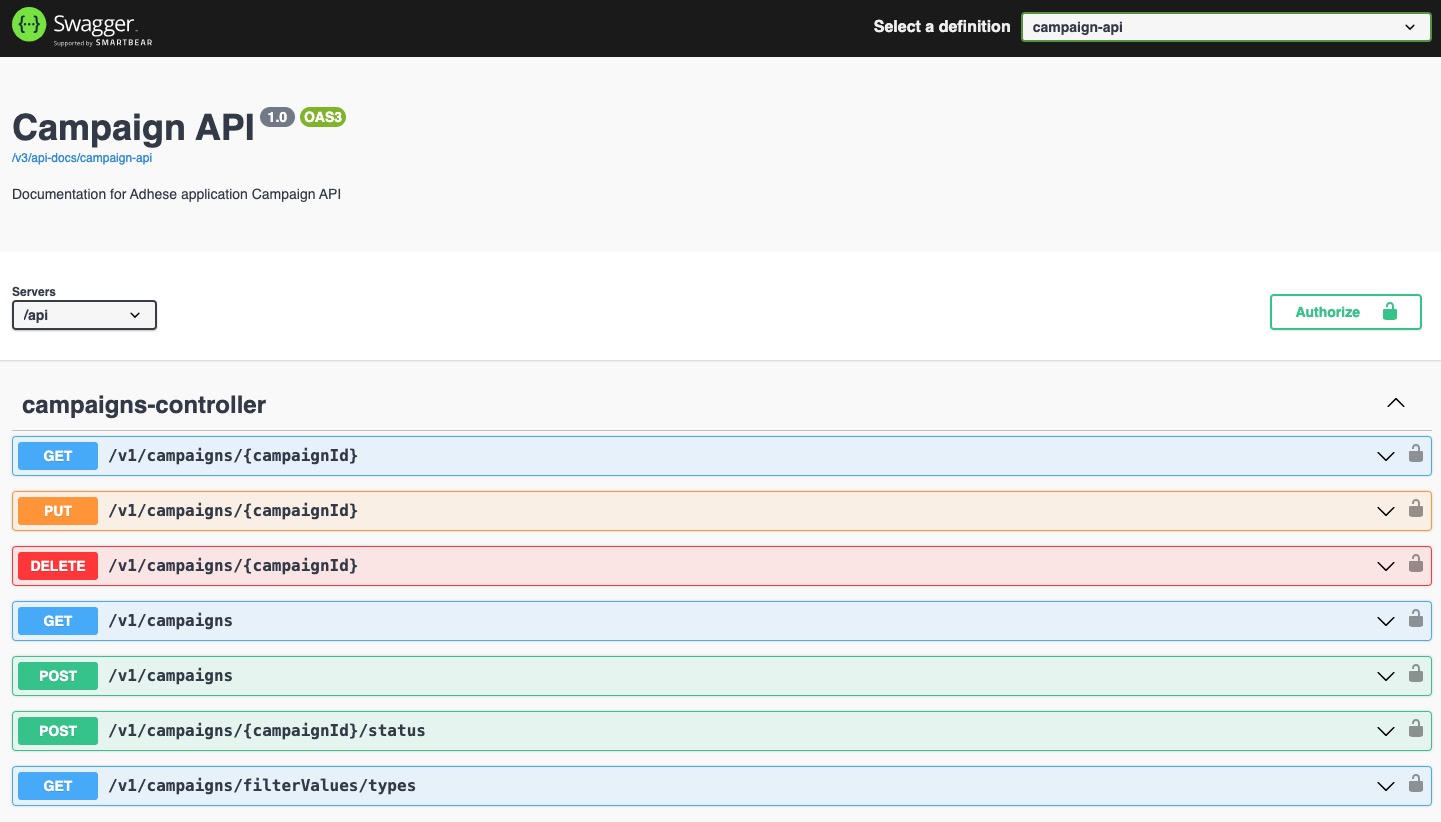
The Swagger UI allows you to:
Browse the list of endpoints.
Review request/response schemas.
Test endpoints directly in the browser.
Where to find Swagger
Swagger is publicly accessible under:
https://{customer-url}/swagger-ui/index.htmlTo access Swagger's interactive features, such as executing requests, please contact Support.
OpenAPI Specification
In additionlimit to the interactiveevent. SwaggerEither UI,DAILY or HOURLY.
- scopestringNoOn which level the URL:
https://{customer-url}/api/v3/api-docs/campaign-api
This file defines:
All endpoints, parameters, and request/response schemas
Authentication requirements
Metadata (titles, descriptions, tags)
Typical use cases:
Import into Postman to quickly generate a workspace.
Client SDK generation via tools like Swagger Codegen or OpenAPI Generator.
Validation & automation as part of CI/CD pipelines.
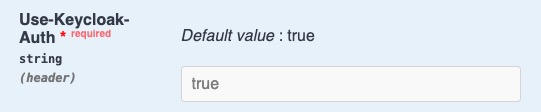
Sending a request with Keycloak authentication
Ensure the Use-Keycloak-Auth headerlimit is includedapplied. andIn setthis tocase always trueCAMPAIGN
priorityIdintegerYes
List value)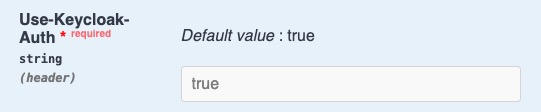
Update Campaigns
Delete
Once ready, you can test the endpoints directly in Swagger (provided you have the necessary permissions).