
Creating a self-service campaign
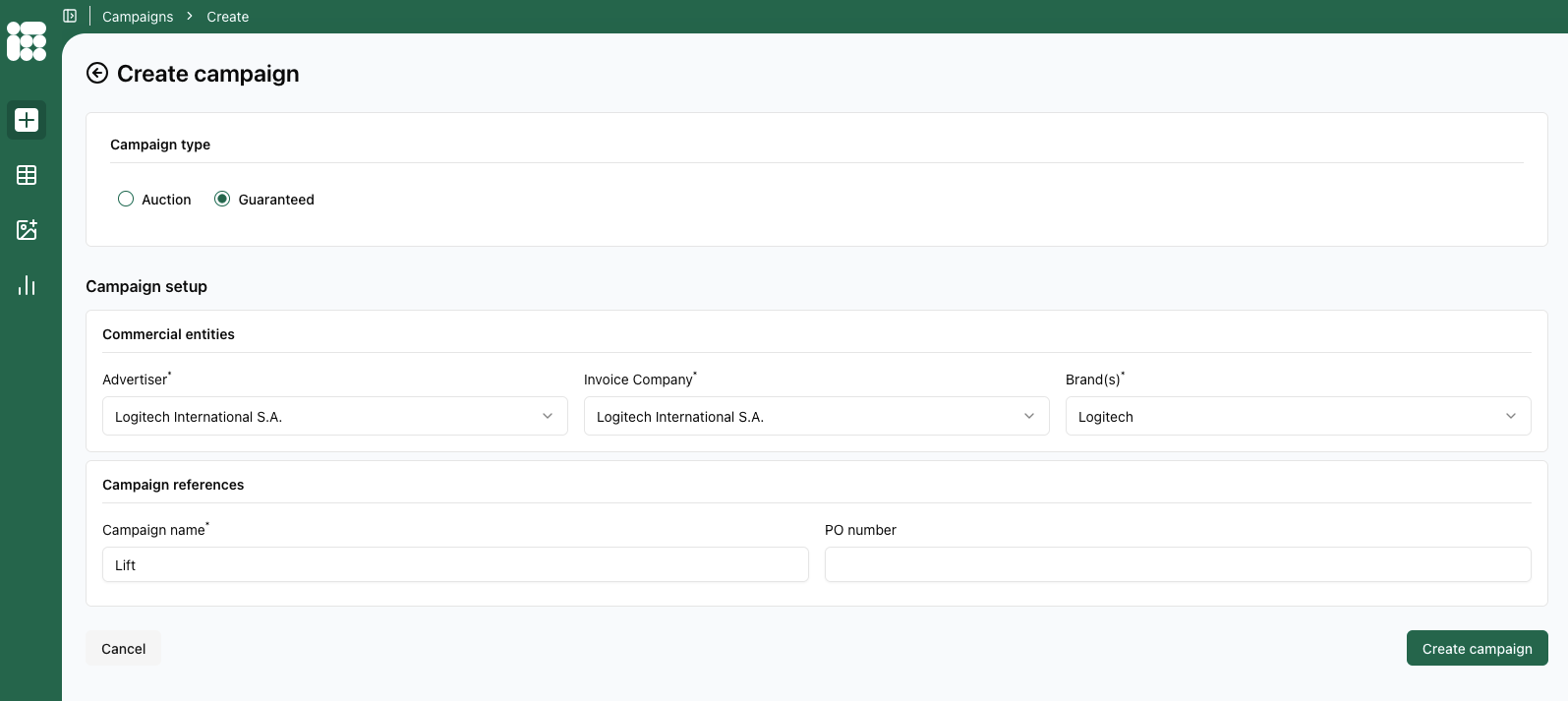
When creating a new campaign in the self service flow you'll start by filling in Advertiser, Invoice Company and Brand(s). Other then that, the campaign just needs a Name.
If the campaign is linked to a PO number, you can also fill it in here, but this field is otherwise optional.
When you're done, click Create campaign in the bottom right. You will arrive at the create booking screen:
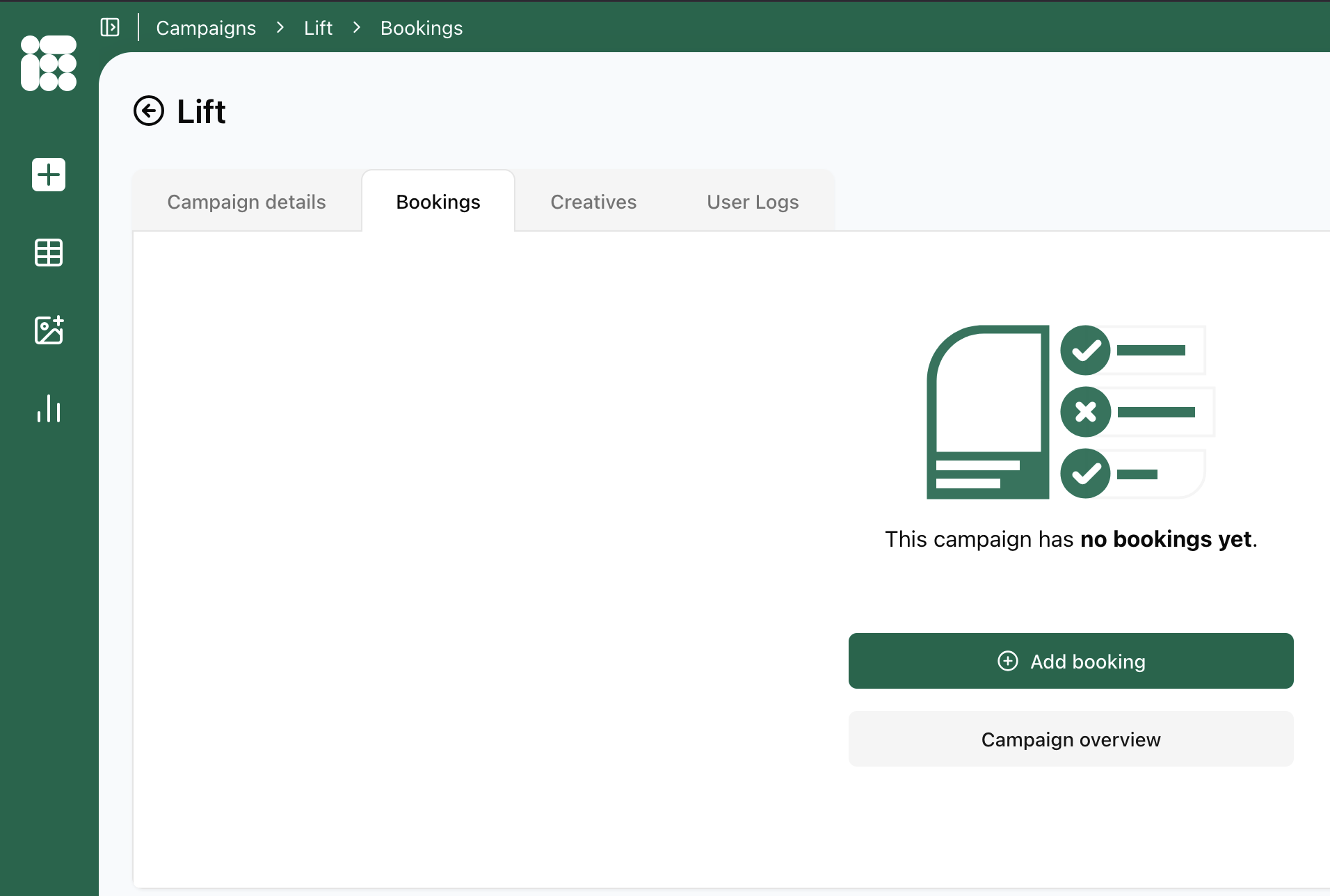
Here you can add a new booking via Add booking, go to the Campaign overview or see the details of the campaign you just created via the Campaign details option to the left of the Bookings tab.
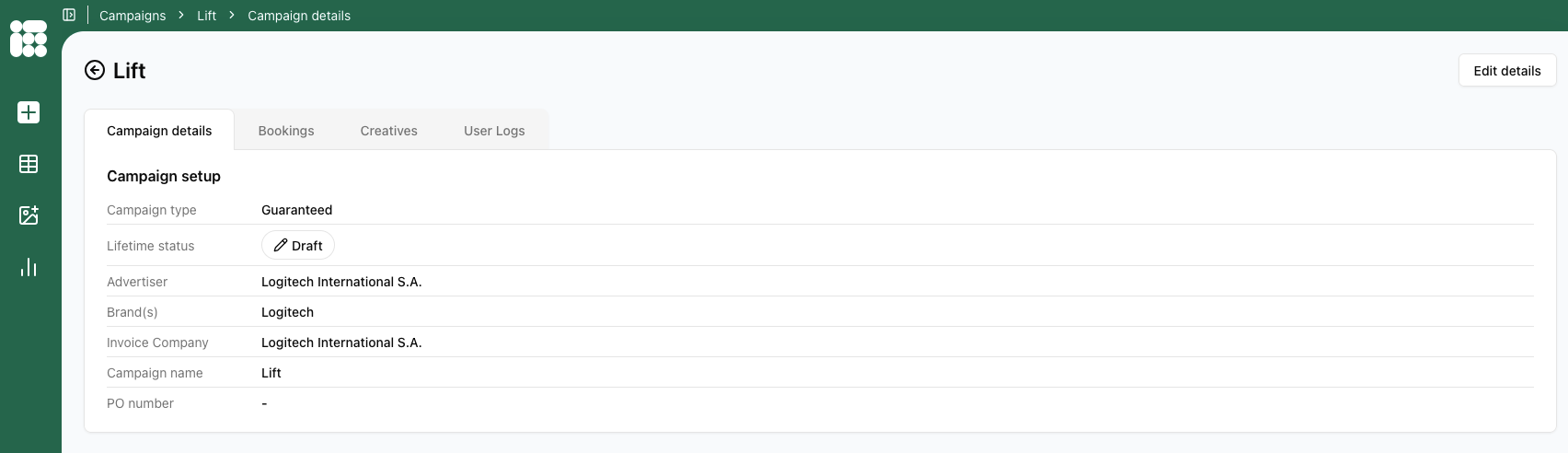
Here the campaign details can be updated by clicking on the Edit details tab in the top right.