
Pacing Options
When you select Auto as the delivery method on the booking screen, the Pacing Options option will appear. These options determine how many impressions of the booking will be delivered during the first half of the delivery period.
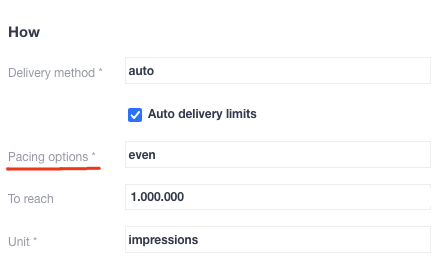
There are four pacing options:
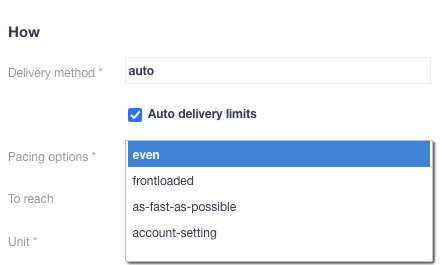
Even
Fifty per cent50% of the booked impressions will be delivered in the first half of the delivery period, with the remaining 50 per cent50% delivered in the second half. Select this option if you would prefer a consistent delivery rate throughout the entire booking period.
Frontloaded
62,5% of the booked impressions will be delivered in the first half of the delivery period, with the remaining 37,5% in the second half. Choose this option if you would prefer the majority of impressions to be delivered during the first half of the booking period.
As fast as possible
75% of the total number of booked impressions will be delivered in the first half of the delivery period, with the remaining 25% being delivered in the second half. Select this option if you want the majority of your impressions to be delivered in the first half of the booking period.
The difference between as-fast-as-possible and SOV 100% is that the former is still an automated delivery method that takes the delivery period and competing bookings into account, whereas SOV 100% does not (which can cause delivery problems for competing bookings).
Account setting
account-setting is only relevant for existing accounts that have both the deliveryDistributionParameter in their configuration file and the Classic UI. If you are unsure whether your account has the required setup, please contact support.
Account-setting uses the deliveryDistributionParameter from the configuration file of your Adhese instance, which can be set to any value between 50% and 75% for the first half of the delivery period.