Automated image resizing
The image resizing feature is a custom feature that requires setup and integration, please contact Support if you would like to make use of it.
As the image resizer uses an external service, enabling this feature might be subject to extra costs depending on your licencing agreement with Adhese. Please contact us if you're unsure.
What is Automated image resizing?
Automated image resizing is a feature where Adhese scales images automatically to a certain size defined both in an Advar template and in client-side implementation.
Adhese uses the AWS Lambda image resizing service to automatically reduce the dimensions and file size of creatives.
When the feature is used, the image will be resized based on the width.[PX]value that is added to the URL.
Why use image resizing?
Images that have been resized can be made responsive and smaller. You can designate a certain viewport size from which to start delivering smaller images. This allows images to be properly sized for smaller displays while significantly decreasing file sizes and bandwidth used.
How to use image resizing?
The image resizing has to be enabled on account level and then incorporated in the Advar template that will be used to deliver your resized creatives.
Client side, the values entered in the advar template will be replaced to a specific size.
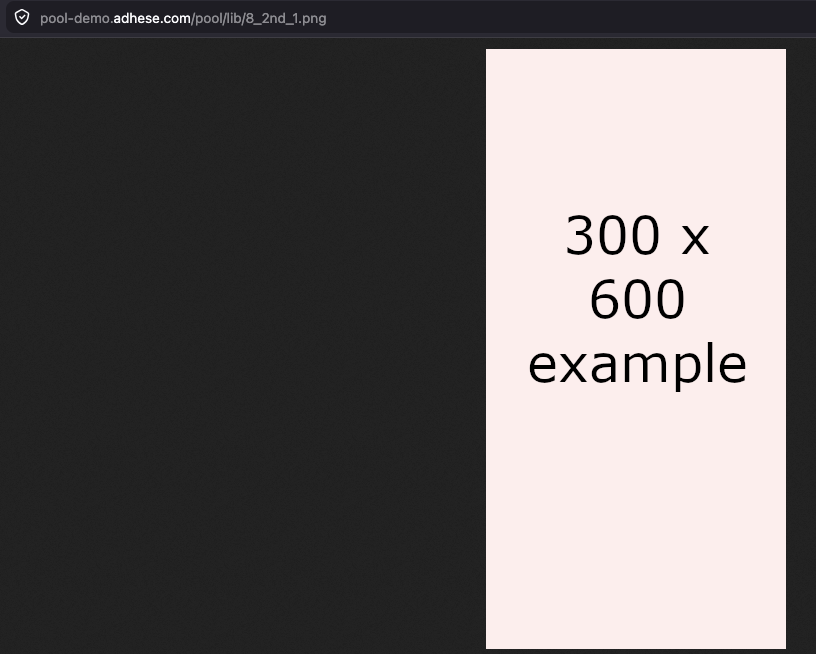
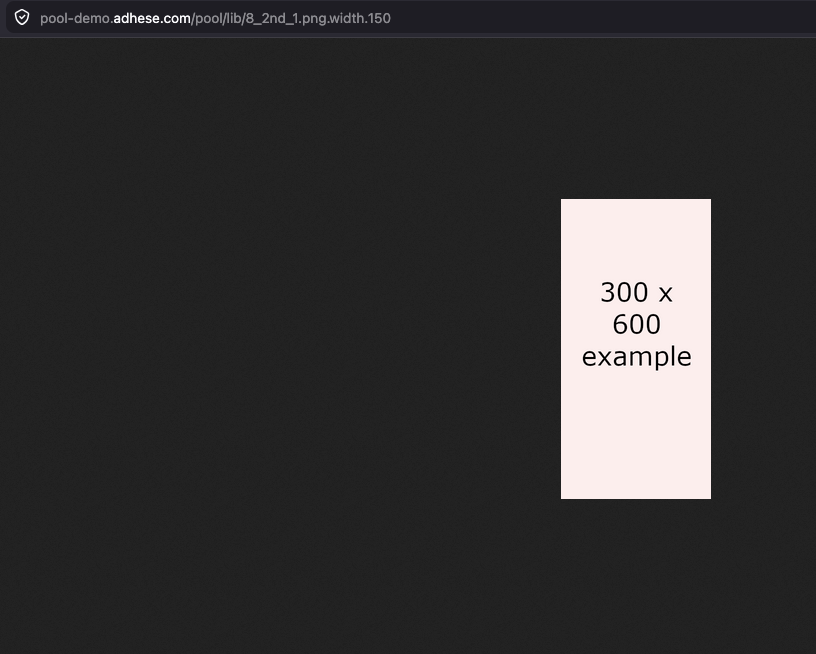
Once the feature has been enabled and implemented, you can specify the size to resize an image like so (request example):
https://demo-preview.adhese.org/pool/lib/8_2nd_1.png
https://demo-preview.adhese.org/pool/lib/8_2nd_1.png.width.150
With .width.{px} as what sets the resized image's size. Height scales automatically to maintain aspect ratio.