Automated image resizing
What is Automated image resizing?
Adhese uses the AWS Lambda image image-resizing service to automatically reduce the dimensions and file size of images, allowing you to request several versions of an image that isimages uploaded as part of a creativecreative. inThis Adhese.allows you to request multiple versions of the image.
The image resizing feature is a custom feature that requires setup and integration,. pleasePlease contact Support if you would like to make use of it.
As the image resizer uses an external service, enabling this feature mightmay be subject toincur extraadditional costs depending on your licencinglicensing agreement with Adhese. Please contact us if you'reyou are unsure.
Why use image resizing?
The use ofUsing resized images improves responsive designsdesign and reduces bandwidth usage. By settingSetting a viewport threshold,threshold ensures that smaller images are served to smaller displays, whichthereby can cutreducing file sizes and bandwidth consumption. This is especiallyparticularly usefulbeneficial for implementationsmobile-based that are active on mobile devices.implementations.
How to use image resizing?
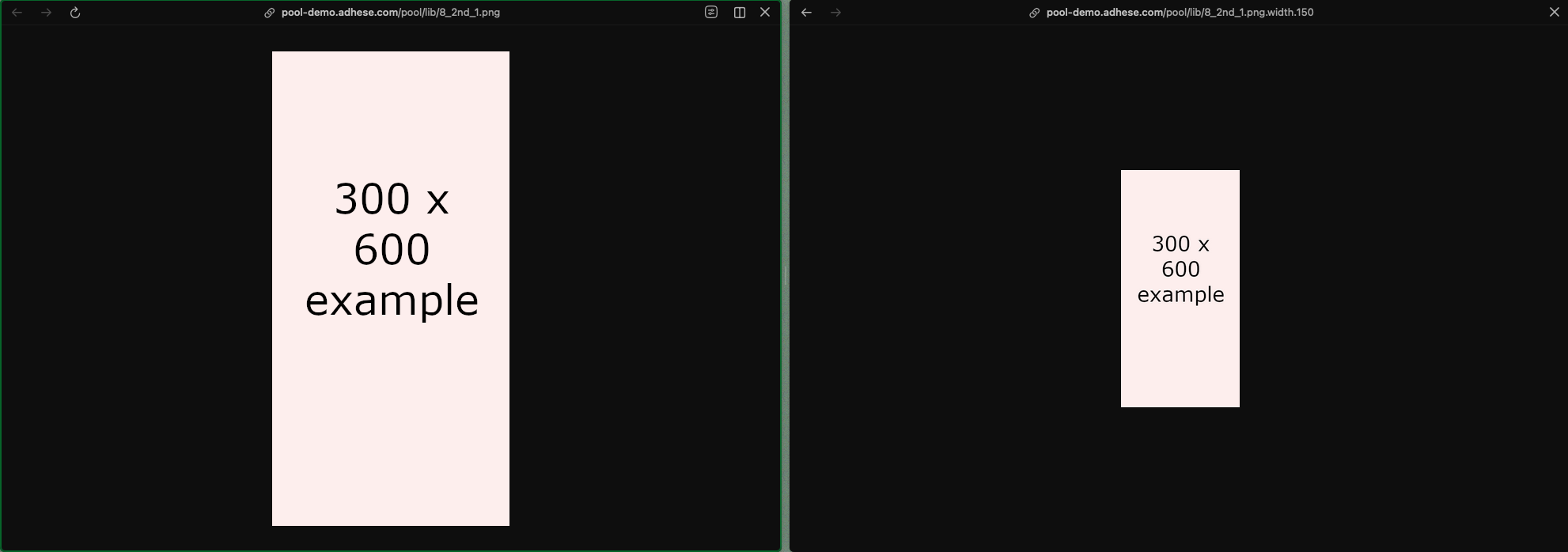
By adding an extra parameter .width.{px} to the image URL, you can request a resized version with a specific width. The height will scale automatically to maintain the aspect ratio.
The logic thatto addsadd the extra 'width'width' value could be providedadded to an Advar template in Adhese itself, by adding extra code to an advar template,itself or could be added client side to the code that processes the ad markup.markup client-side.
For example:
https://demo-preview.adhese.org/pool/lib/8_2nd_1.png
https://demo-preview.adhese.org/pool/lib/8_2nd_1.png.width.150