
Inventory Category
Additional configuration is required for inventory categories other than Display to be available in the Campaign Manager interface. If you would like the other categories to be available in the Campaign Manager interface, please contact Support.
At publication level, an inventory category can be set. This inventory category has four options:
- -- or none: this is the default option
- Display
- In Store
- Sponsored Product
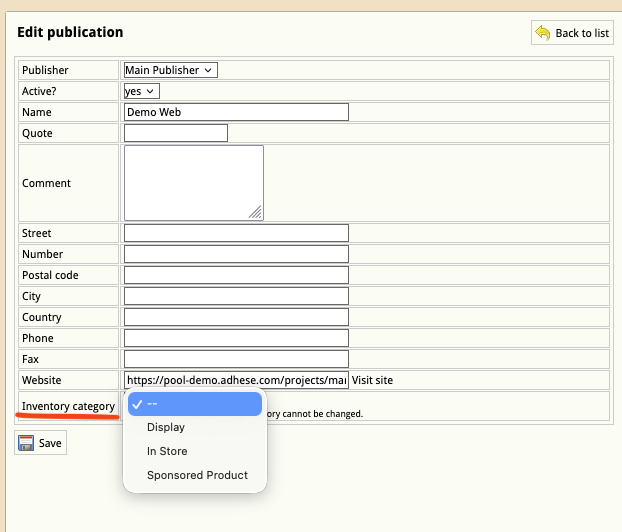
Once an inventory category is set, the inventory for that publication will be restricted to a specific campaign or booking type in the Campaign Manager UI.
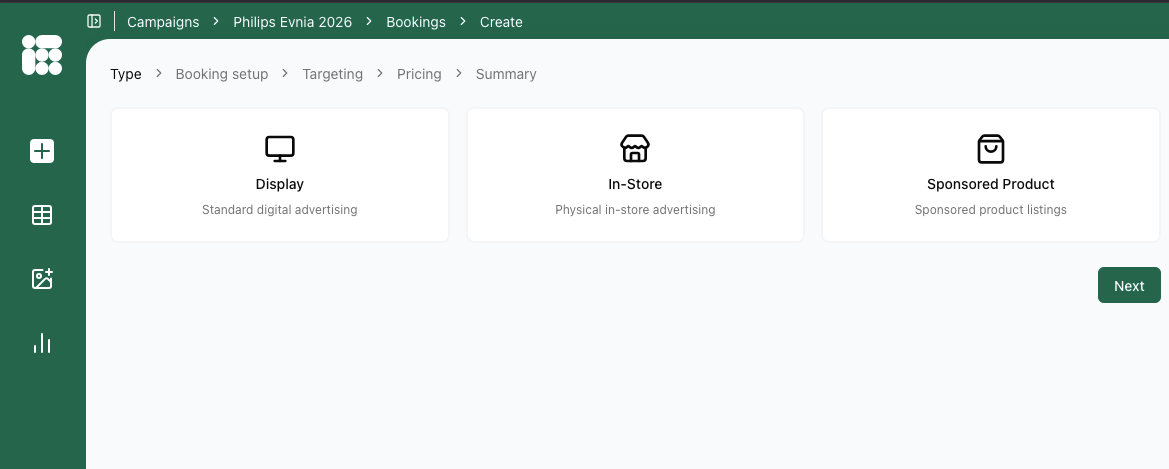
Note: Once the Inventory Category has been set and saved, it cannot be changed!