
Target Tags
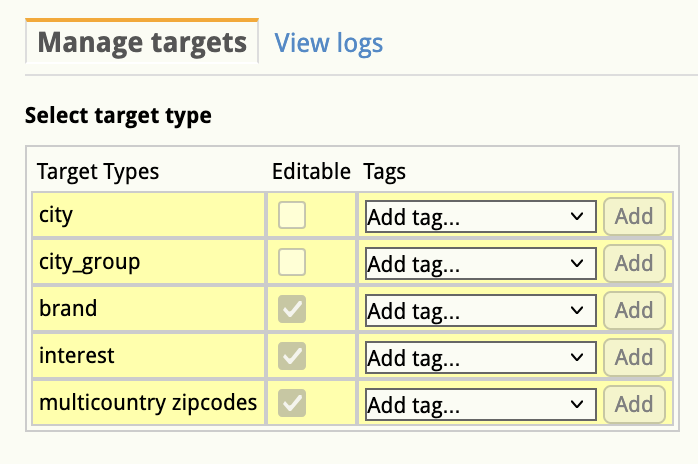
In the manage targets screen, next to the target types and the editable column, there is a tags column with dropdown options:
- Display
- In-store (DOOH)
- Sponsored Products
In the manage targets screen, next to the target types and the editable column, there is a tags column with dropdown options:
No comments to display
No comments to display